
Multi-clip camera
Record in segments from 15 seconds to 10 minutes, with speed control from 0.3x to 3x, countdown timers, hands-free capture and alignment guides that help you match the last frame before you hit record again.
Tiktime Info Hub is an editorial resource about the world of vertical mobile video — how clips are made, how recommendation feeds decide what you see, which settings protect younger viewers, and what every button in the creation flow actually does.
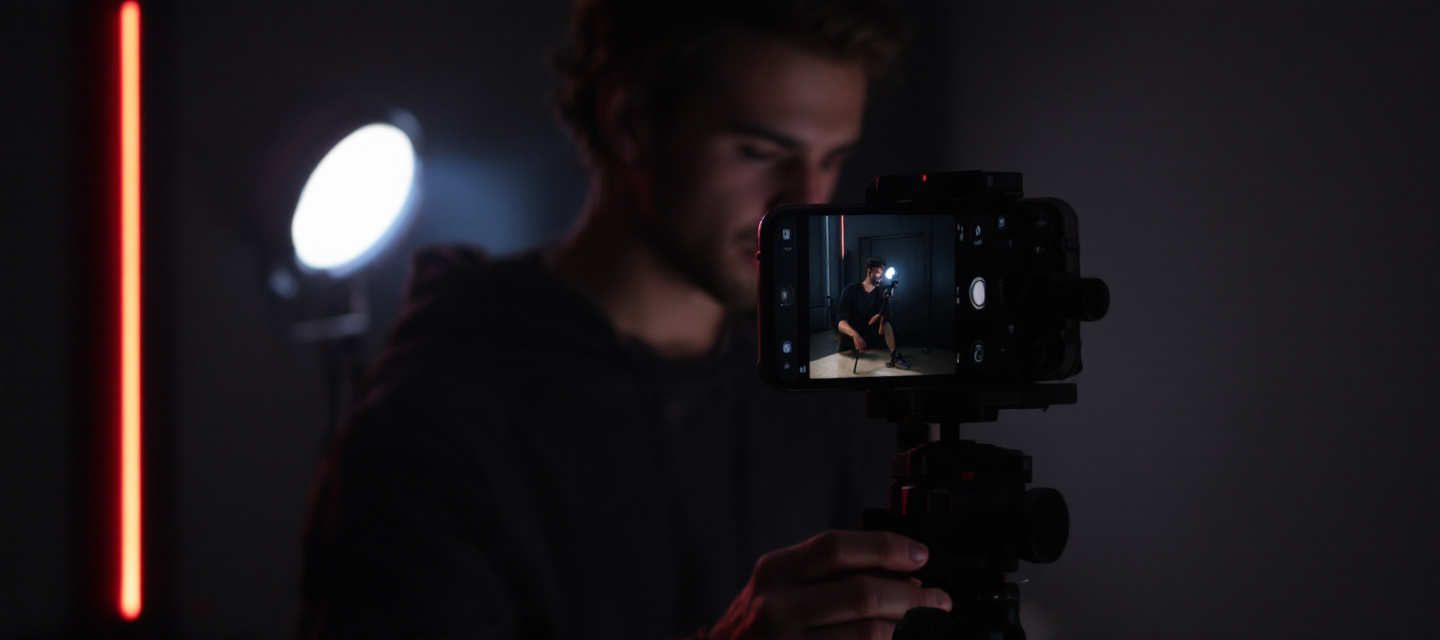
Modern short-form apps bundle a camera, an editing suite, a sound library and a publishing desk into one screen. Here is what each layer does — described neutrally, so you can decide what is useful to you.
Record in segments from 15 seconds to 10 minutes, with speed control from 0.3x to 3x, countdown timers, hands-free capture and alignment guides that help you match the last frame before you hit record again.
Real-time visual layers — green screen backdrops, motion tracking, beat-synced transitions, colour grading presets. Effects are applied on-device before publishing, and each one is labelled in the finished post.
Licensed commercial tracks, original sounds lifted from other clips, and voice-over recording with noise reduction. Every sound has its own page so you can see how a trend spreads across thousands of videos.
Collaboration formats that place your footage beside or after someone else's. Creators control who may use them — everyone, friends only, or nobody — from the privacy panel on each individual post.
Real-time broadcasting with moderator roles, keyword filters, comment throttling and viewer age gating. Availability depends on account age and follower thresholds set by the platform.
Retention curves, traffic sources, follower activity hours and territory breakdowns. Useful for understanding whether a video was found through the feed, through search, or through a sound page.
Recommendation feeds are often described as mysterious. In practice they follow a repeatable pipeline of checks, small test audiences and feedback signals.
The clip is scanned automatically: audio fingerprint, on-screen text, captions, hashtags and effect metadata are indexed so the system knows roughly what the video is about.
Automated moderation compares the content against community guidelines. Borderline material is queued for human review and may be made ineligible for the main feed while it waits.
The video is shown to a limited pool of viewers whose interests loosely match the topic. Watch time, completion rate, rewatches, shares and saves are measured against similar posts.
Strong signals push the clip into progressively larger audiences; weak signals simply stop the expansion. Older videos can resurface later if a related sound or topic starts trending again.
No third party can guarantee placement in a recommendation feed. Services that promise guaranteed views, followers or "algorithm access" for a fee are not endorsed here and frequently violate platform terms.
Most protective settings are switched on from the account privacy panel in under a minute. These are the ones we get asked about most often.

Switching account type is free and reversible. The differences are mainly about analytics depth and which music catalogue you are permitted to use.
| Capability | Personal | Creator | Business |
|---|---|---|---|
| Full commercial music library | Yes | Yes | Royalty-free catalogue only |
| Post analytics window | Basic, 7 days | Detailed, 60 days | Detailed, 60 days |
| Audience demographics | Not available | Yes | Yes |
| Website link on profile | Limited | Yes | Yes |
| Auto-message replies | Not available | Not available | Yes |
| Best suited to | Everyday viewers and casual posting | Individual creators building an audience | Brands, shops and organisations |
Twelve terms that appear constantly in tutorials, comment sections and platform help pages.
The personalised main feed assembled by the recommendation system rather than by who you follow.
A side-by-side response video where your footage plays simultaneously with the original clip.
A clip that opens with up to five seconds of someone else's video, then continues with your own.
A hub listing every public video that used a specific audio track — the fastest way to spot a trend.
An effect replacing your background with a chosen photo or video, widely used for commentary formats.
The share of viewers who watched a video to the end; a core quality signal for distribution.
A log of recently viewed clips, useful for re-finding content and for auditing what shapes your feed.
A long-press feedback action that tells the system to show fewer videos of that kind.
An account-level filter that limits mature or complex content across feed, search and profiles.
Informal term for reduced distribution after a policy flag; official status always appears in account notices.
A required disclosure toggle for posts made in exchange for payment, product or partnership.
Linking a guardian account to a teen account to manage limits, messaging and content filters remotely.
No. cimizyu.space is an independent editorial project that explains how short-form video platforms work. We are not affiliated with, endorsed by or operated by any application mentioned on this site, and we hold no accounts on your behalf.
Never. There is no checkout, no premium tier and no paid membership anywhere on this website. Every article, comparison and guideline is published free of charge for informational and educational purposes.
We cannot. Account decisions can only be reviewed by the platform's own appeals process, which is reachable from inside the app. Any site or message claiming it can restore an account for a fee should be treated as fraudulent.
Recording in-app supports segments up to ten minutes, while uploads from your gallery can be longer depending on region and account status. Most videos that perform well remain far shorter — between fifteen and sixty seconds.
Because it responds to behaviour rather than to a fixed profile. Watch time, rewatches, shares, follows and "not interested" taps all update the model continuously, so a few minutes of new viewing habits can visibly shift what appears next.
Most major short-form services set a minimum age of 13, with additional restrictions in some jurisdictions and a separate limited experience for younger users in certain markets. Always check the terms that apply in your country.
We run no forms, no accounts and no advertising trackers. Only anonymous analytics and preference cookies are used — the details are set out in our Cookie Notice and Privacy Policy.
Start with our mission and editorial standards, then head to the safety section to review the controls that matter most for you or your household. Questions or corrections are always welcome.